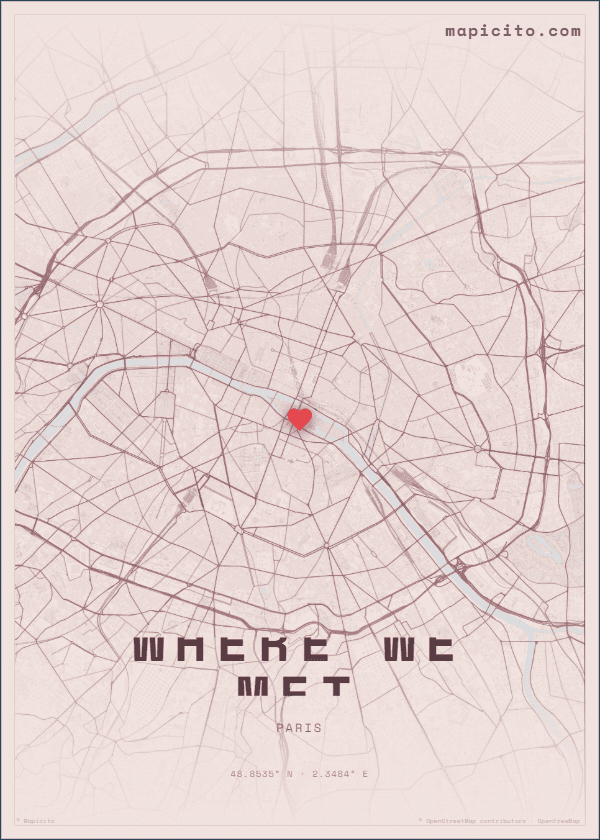
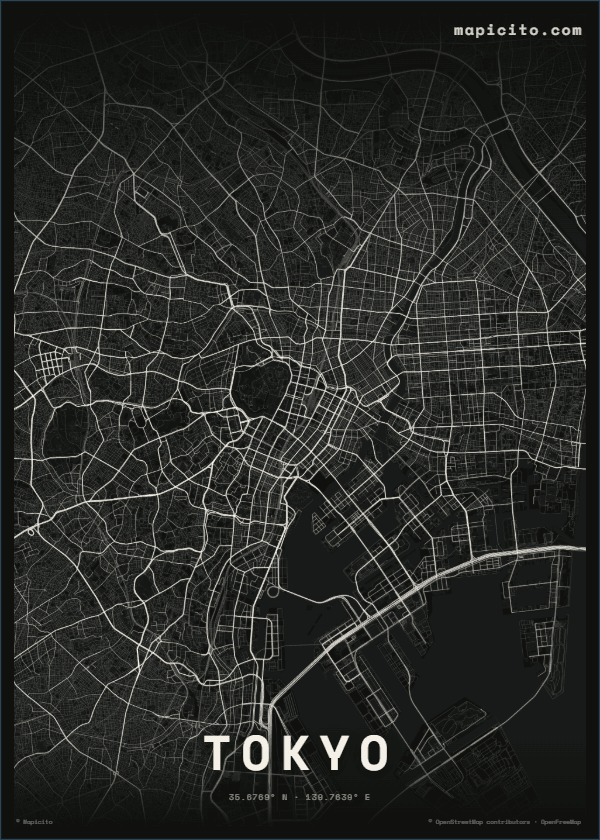
Start with city one
Search the first partner’s city and choose the area you want the initial map to remember.
Two places in one shared story
Start with one partner’s city in the guided creator, then continue in Mapicito’s advanced workspace to build a Places Together design with two independently positioned maps.
Start with the first cityPreview the finished design before buying
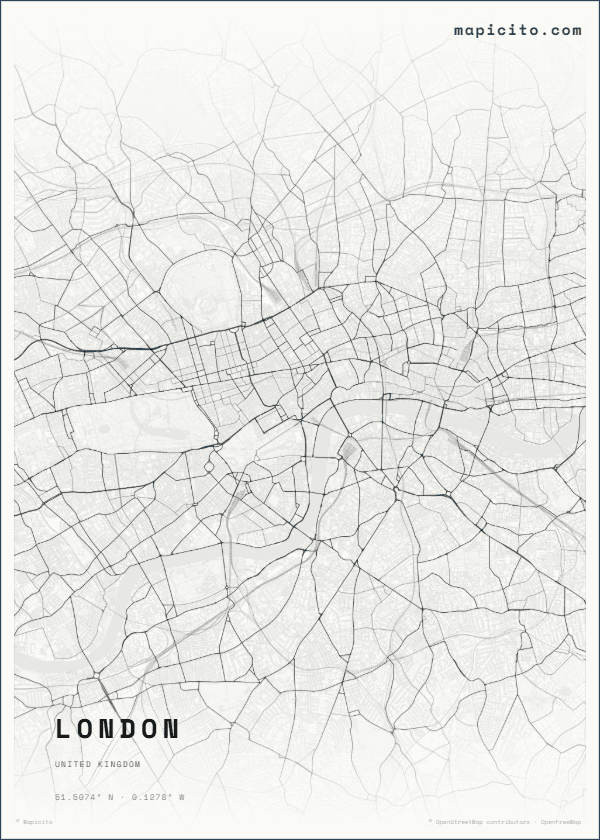
Make it personal
The guided step establishes the first real place. The existing advanced Map story controls are where you add and position the second city honestly.
Search the first partner’s city and choose the area you want the initial map to remember.
After choosing that place, use Advanced customization and open the Layout controls.
Enable Map story to use the Places Together layout, then set the second city and optionally add a third map.
Choose how to give it
The design stays the same. Choose the format that suits the gift after you have checked the preview.
Printed poster · EU from €24.99 · US from $29.99
Once both city panels and the wording are correct, choose an available matte poster size. Current regional price, delivery eligibility and shipping are confirmed before payment.
Design a printed posterDigital artwork · EU €2.99 · US $2.99
Buy the completed multi-map composition as an exact-size high-resolution file when you want local printing or instant digital delivery.
Create a digital mapHow it works
Start the City Map creator and select the first city.
Choose Advanced customization, open Layout and enable Map story for the Places Together template.
Set the second city, review both map panels, then choose print or download.
Questions, answered
Yes. After you choose the first city, open Advanced customization, go to Layout and enable Map story. Places Together supports two independently positioned maps and an optional third.
No. The current guided City Map flow starts with one city. You add the second city in the existing advanced Map story workspace, so the page does not promise an automatic two-city setup that is not available.
Yes. After both maps are positioned and the design is final, you can choose a printed poster or an exact-size paid HD download.
More meaningful places
Made from your real place
Choose the first real place now, then finish the two-city story in the advanced workspace.
Start with the first city